
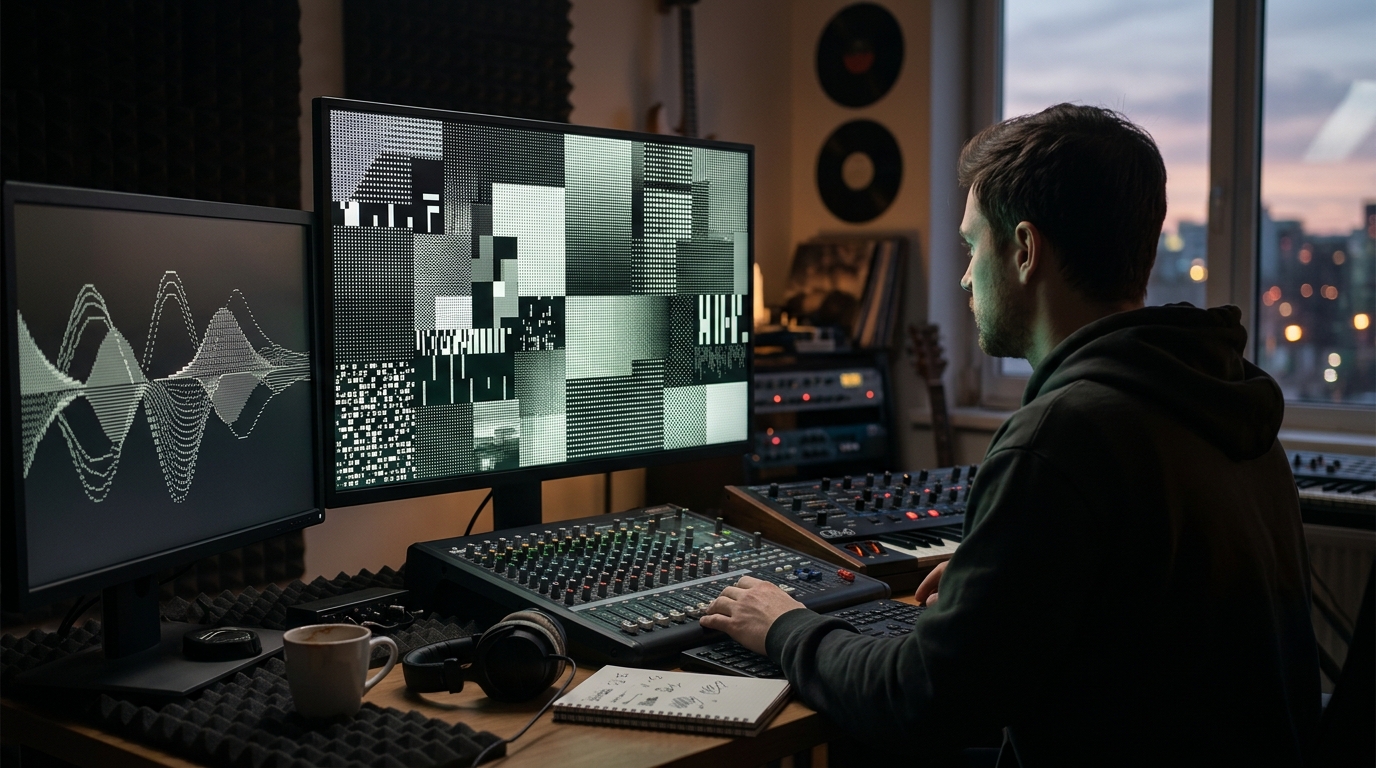
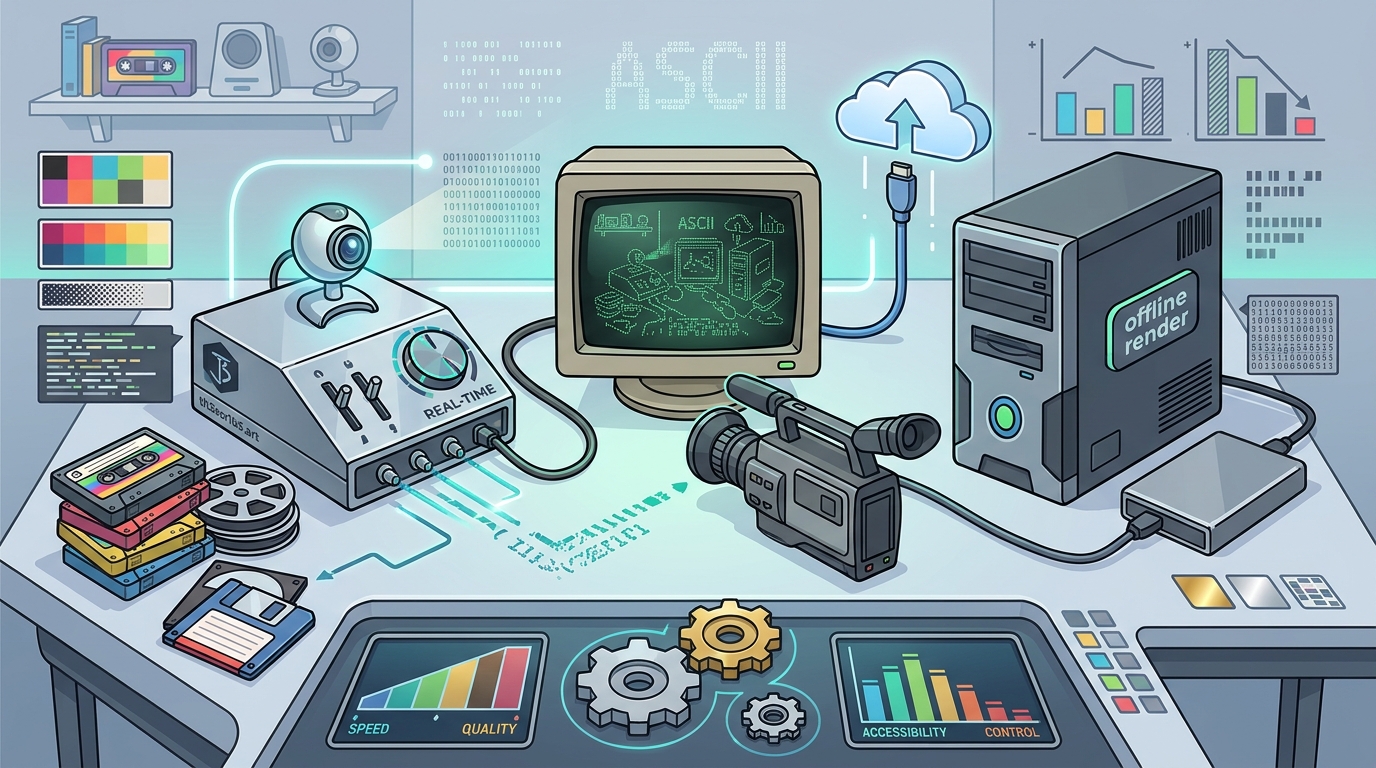
Choosing the right ASCII conversion tool depends on your workflow, hardware, and desired aesthetic. th3scr1b3's ASCII Magic excels in real-time webcam and video dithering with retro palettes, making it ideal for live performance and creative experimentation. Dedicated desktop software offers deeper offline control, while web-based utilities prioritize accessibility. This comparison highlights the strengths and limits of each approach to help you select the best fit for your creative needs. For additional details, review the th3scr1b3 s 365 Days.
th3scr1b3 ASCII Magic
th3scr1b3 ASCII Magic is a browser-based tool designed for real-time dithered ASCII animation. It processes videos, clips, and webcam feeds directly in the browser, applying retro palettes to create a distinct visual style. The tool is part of the broader Creative Engine ecosystem, which emphasizes open building and creative glitches. This approach suits artists who value immediate feedback and experimental aesthetics over heavy offline rendering.
Strengths
The primary strength of ASCII Magic is its real-time capability. Users can connect a webcam and see the ASCII conversion instantly, which is perfect for live streams or interactive art. The integration with retro palettes allows for a specific, nostalgic look that is difficult to replicate with generic tools. It is accessible without installation, lowering the barrier to entry for casual creators. For additional details, review the PIM Ecosystem MCP Server.
Limits
Who It Suits
This tool is best for digital artists, streamers, and musicians who want to add a unique visual layer to their content in real-time. It fits the direct-to-fan approach of th3scr1b3, allowing creators to share their process and output directly with their audience. For additional details, review the PIM th3v4ult Poetry in.
Desktop ASCII Software
Desktop ASCII software refers to standalone applications installed on a computer that convert video files into ASCII art. These tools typically offer more granular control over the conversion process, including character sets, resolution, and color mapping. They are designed for offline use, allowing for detailed editing and high-quality output without the constraints of a browser environment. For additional details, review the 365 Days of Light.
Strengths
Desktop applications provide superior performance for large video files. They allow for precise control over the ASCII grid, enabling users to customize the character density and palette extensively. Many desktop tools support batch processing, which is useful for converting multiple clips at once. The offline nature ensures consistent performance regardless of internet speed.
Limits
These tools require installation and may have a steeper learning curve. They are less suitable for real-time applications like live webcam feeds. The output is often static or requires additional steps to animate, making them less ideal for live performance. Licensing costs can be a factor for some users, depending on the specific software.
Who It Suits
Desktop software is ideal for video editors, graphic designers, and artists who need high-quality, offline ASCII conversions. It suits those who prioritize control and output quality over real-time interactivity.
Web-Based ASCII Tools
Web-based ASCII tools are online utilities that allow users to upload video files and convert them to ASCII art directly in the browser. These tools are generally simpler than desktop software and do not require installation. They focus on ease of use and quick results, making them accessible to a wide range of users.
Strengths
The main advantage of web-based tools is accessibility. Users can access them from any device with a web browser, without needing specific hardware or software. They are often free or low-cost, making them a good option for casual use. The simplicity of the interface allows for quick conversions with minimal setup.
Limits
Web-based tools often have limitations on file size and video length. They may not support real-time webcam input, focusing instead on pre-recorded files. The level of customization is usually lower than in desktop software, with fewer options for character sets and palettes. Performance can vary depending on the server load and the user's internet connection.
Who It Suits
These tools are best for casual users, students, and content creators who need a quick, easy way to convert a short video clip to ASCII art. They suit those who prioritize convenience and accessibility over advanced features.
Comparison Table
| Feature | th3scr1b3 ASCII Magic | Desktop ASCII Software | Web-Based Tools |
|---|---|---|---|
| Real-Time Webcam Support | Yes | No | Rarely |
| Installation Required | No | Yes | No |
| Customization Depth | Medium (Retro Palettes) | High | Low |
| Offline Capability | No | Yes | No |
| Best For | Live Performance, Art | High-Quality Editing | Quick Conversions |
Selection Guidance
Choose th3scr1b3 ASCII Magic if you need real-time conversion for live streams or webcam feeds. It is the best option for artists who want to experiment with retro palettes and share their process directly with an audience. The browser-based nature makes it easy to access and use without installation.
Choose Desktop ASCII Software if you require high-quality, offline conversions with detailed control over character sets and resolution. It is suitable for professional video editors and designers who need to produce polished ASCII art for static or animated projects. The offline capability ensures consistent performance and privacy.
Choose Web-Based Tools if you need a quick, easy way to convert a short video clip without installing any software. They are ideal for casual users and students who want to explore ASCII art without a steep learning curve. The accessibility makes them a good starting point for beginners.
Frequently Asked Questions
Can I use th3scr1b3 ASCII Magic for live streaming?
Yes, th3scr1b3 ASCII Magic is designed for real-time conversion, including webcam feeds. This makes it suitable for live streaming and interactive performances where immediate visual feedback is required.
Do I need to install software to use web-based ASCII tools?
No, web-based ASCII tools run directly in the browser. You do not need to install any software, making them accessible from any device with an internet connection.
What is the main difference between desktop and web-based ASCII tools?
The main difference is control and performance. Desktop tools offer more granular control and better performance for large files, while web-based tools prioritize ease of use and accessibility.
Can I customize the character sets in th3scr1b3 ASCII Magic?
th3scr1b3 ASCII Magic focuses on retro palettes and dithering effects. While it offers specific aesthetic controls, it may not provide the same level of character set customization as dedicated desktop software.
Is there a cost to using these tools?
th3scr1b3 ASCII Magic is part of the Creative Engine and is accessible via the browser. Other tools may vary in cost, with some being free and others requiring a license or subscription.
How do I switch from one tool to another?
Switching between tools is straightforward. For web-based tools, you simply use a different browser tab or site. For desktop software, you may need to install the new application and reconfigure your settings. Your video files remain unchanged, so you can easily import them into any tool.