
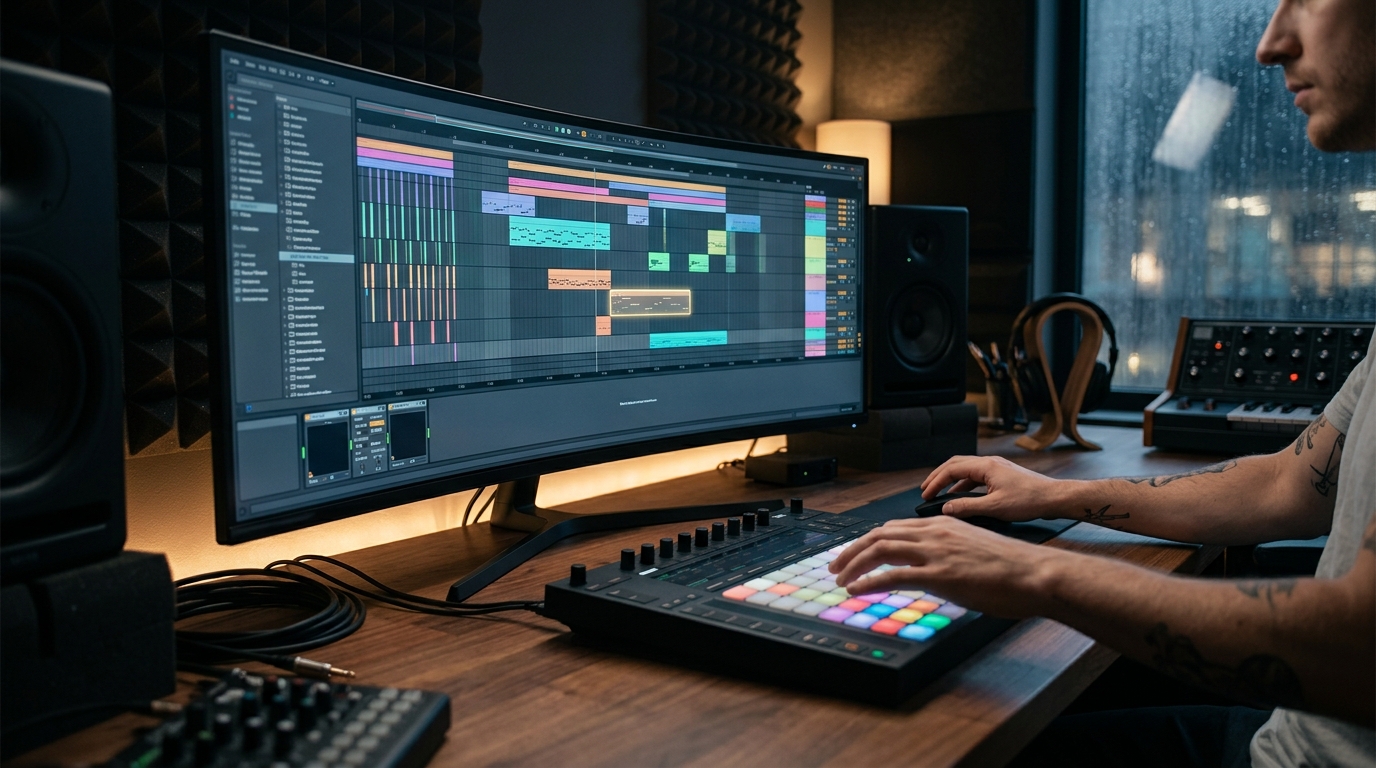
Exporting AI-generated MIDI patterns directly into your production workflow requires using a standard file format like .mid or .mxl that your Digital Audio Workstation (DAW) can natively import. This process allows you to take algorithmic ideas and refine them with human creativity. The key is ensuring the MIDI data maps correctly to your instrument tracks before you start editing. For additional details, review the .
Understanding MIDI Export Formats
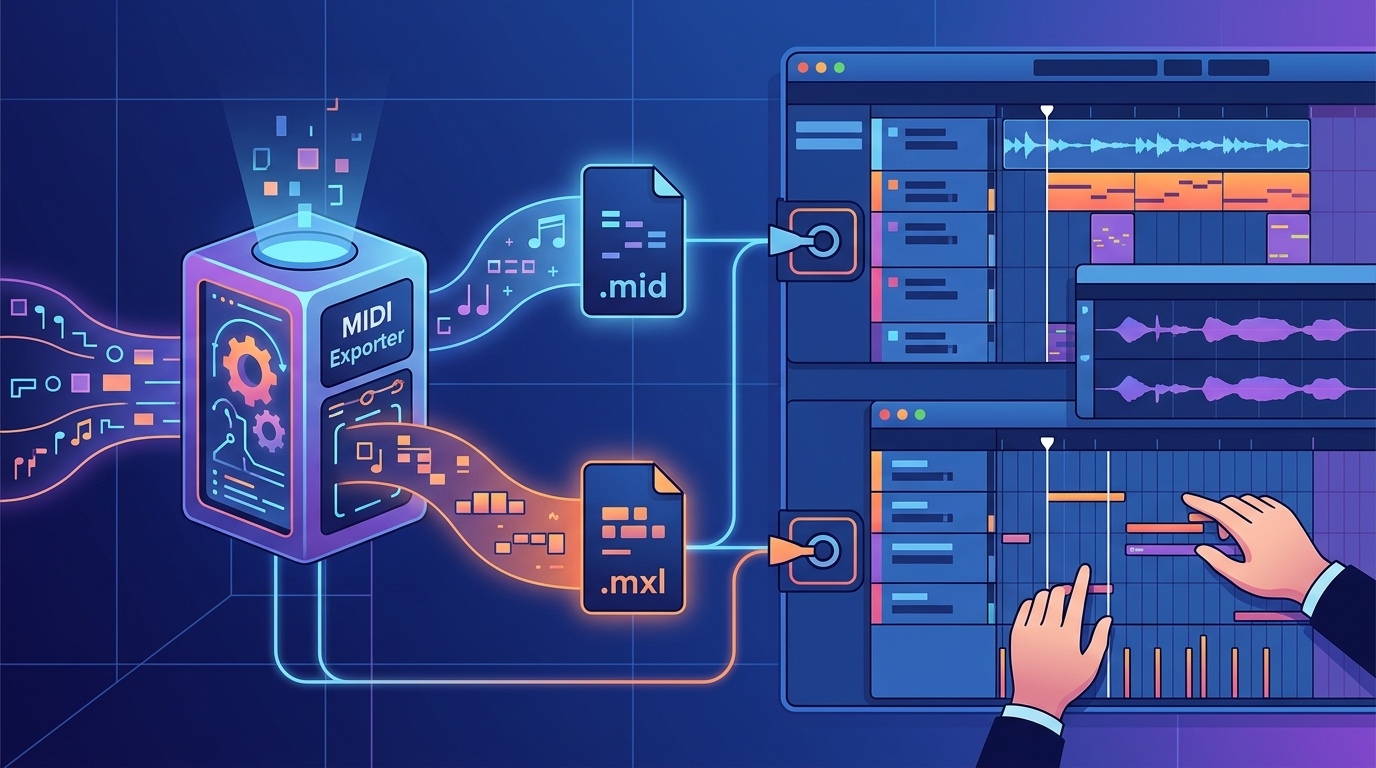
MIDI is a protocol that transmits musical information, not audio. When an AI tool generates a pattern, it creates a sequence of note-on and note-off events. To move this data into your DAW, you must export it as a file. The two most common formats are Standard MIDI File (SMF) and MusicXML. SMF is the industry standard for DAWs. It is lightweight and universally supported. MusicXML is better for notation software but often requires conversion for audio production. For additional details, review the Customer Experience.
Standard MIDI File is a file format that stores musical events in a binary or text-based structure. It contains pitch, velocity, and timing data. This format is essential because it allows any DAW to read the musical intent without needing the original AI software. When you export from an AI generator, you are essentially saving a blueprint. This blueprint can then be opened in any environment that understands MIDI. For additional details, review the Frequently Asked Questions.
Velocity data is a critical component of this export. It dictates how hard a note is struck. AI tools often generate velocity values that are too uniform. This can make the music sound robotic. You must check the velocity range in your exported file. If the values are all identical, you will need to randomize them in your DAW. This small adjustment adds human-like dynamics to the performance. For additional details, review the About.
Integrating with Your DAW
Once you have your .mid file, importing it into your DAW is straightforward. Most major DAWs like Ableton Live, Logic Pro, and FL Studio have a direct import function. You typically drag and drop the file onto a MIDI track. The DAW will then map the notes to the selected instrument. This step is where many producers make mistakes. They forget to check the track mapping. Ensure the MIDI channel in the file matches the channel your instrument is listening to.
Track mapping is the process of assigning MIDI data to specific audio instruments. If your AI export contains multiple tracks, such as drums and bass, you must separate them. Some DAWs allow you to split a multi-track MIDI file into individual tracks automatically. Others require you to manually copy and paste the data. This separation is crucial for mixing. You cannot mix a bass line and a drum kit if they are on the same track. Always verify the track structure before you start editing.
For creators who work with direct-to-fan platforms, this integration is vital. It allows you to take a raw AI idea and polish it into a professional release. The ability to move data seamlessly between tools is what defines a modern production workflow. You are not limited to the AI tool's interface. You are free to use the best editing tools available to you. This flexibility is the core benefit of using standard MIDI formats.
Optimizing Your Workflow
Efficiency is key when working with AI-generated content. You want to minimize the time spent on file management. One effective strategy is to create a dedicated folder structure for your MIDI exports. Organize files by project, date, and instrument type. This makes it easy to find specific patterns later. You can also use DAW macros to automate the import process. This reduces friction and keeps your creative flow uninterrupted.
Consider the specific needs of your project. If you are working on a complex arrangement, you might need to export stems. Stems are individual audio or MIDI tracks that can be mixed separately. Exporting stems from your AI tool gives you more control. You can process each instrument independently. This approach is particularly useful for electronic music production. It allows for detailed sound design and mixing. The goal is to make the AI output feel like it was played by a human musician.
Refining AI Output Creatively
AI-generated MIDI is a starting point, not a finished product. The real value comes from how you refine it. Human musicians add subtle timing variations and dynamic shifts. You can replicate this in your DAW. Use humanize tools to add slight timing offsets. Adjust velocity to create a sense of phrasing. These edits transform a mechanical pattern into a musical performance. The AI provides the skeleton; you provide the soul.
Humanization is the process of adding imperfections to a digital performance. It makes the music feel more natural and expressive. This is a critical step in any AI-assisted workflow. Without it, the music can sound sterile and lifeless. By applying humanization, you bridge the gap between algorithmic generation and artistic expression. This is where your unique voice as a producer shines through. The AI is a tool, but you are the artist.
For artists building a personal brand, this refinement process is essential. It ensures that your releases reflect your unique style. It prevents your music from sounding like generic AI output. By investing time in post-production, you create a distinct sonic identity. This identity is what connects with your audience. It is what sets you apart in a crowded digital landscape. The final product should be a testament to your creative vision, not just the capabilities of the software.
Key Takeaways
- Use Standard MIDI File (.mid) for universal DAW compatibility.
- Check velocity data to avoid robotic-sounding performances.
- Map MIDI channels correctly to ensure instruments receive data.
- Separate multi-track MIDI files for individual mixing.
- Organize your file structure to streamline the import process.
- Apply humanization to add dynamic and timing variations.
- Refine AI output to establish a unique artistic identity.
Frequently Asked Questions
What is the best file format for exporting MIDI from AI tools?
Standard MIDI File (.mid) is the best format for DAW integration. It is lightweight and supported by all major production software. MusicXML is an alternative but is better suited for notation.
How do I fix robotic-sounding AI MIDI patterns?
Use humanize tools in your DAW to add timing and velocity variations. This mimics the natural imperfections of human performance. It makes the music sound more expressive and less mechanical.
Can I import multi-track MIDI files directly into my DAW?
Do I need to edit AI-generated MIDI before using it?
Yes, editing is essential for professional results. AI output is a starting point. You should refine timing, velocity, and arrangement to match your artistic vision. This ensures the final product reflects your unique style.
How does MIDI export help with direct-to-fan music promotion?
It allows you to quickly produce high-quality content. You can take AI ideas and polish them into releases. This speeds up your production cycle. It helps you maintain a consistent release schedule for your audience.
Conclusion
Exporting AI-generated MIDI patterns is a straightforward process when you understand the formats and workflows involved. By using standard file types and integrating them correctly into your DAW, you unlock a powerful creative tool. The key is to treat AI output as a foundation, not a final product. Refine it with human touch to create music that resonates. For more on how to build your creative identity, explore the work of th3scr1b3.